[Bandit] Level 25 → Level 26 → Level 27
문제
Level Goal
Logging in to bandit26 from bandit25 should be fairly easy… The shell for user bandit26 is not /bin/bash, but something else. Find out what it is, how it works and how to break out of it.
NOTE: if you’re a Windows user and typically use Powershell to
sshinto bandit: Powershell is known to cause issues with the intended solution to this level. You should use command prompt instead.Level Goal
Good job getting a shell! Now hurry and grab the password for bandit27!
해결
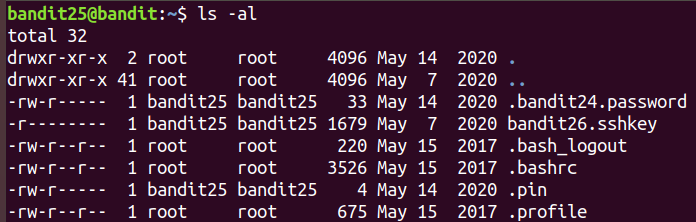
ls명령으로 파일 목록을 확인해보면bandit26.sshkey파일을 확인할 수 있습니다.
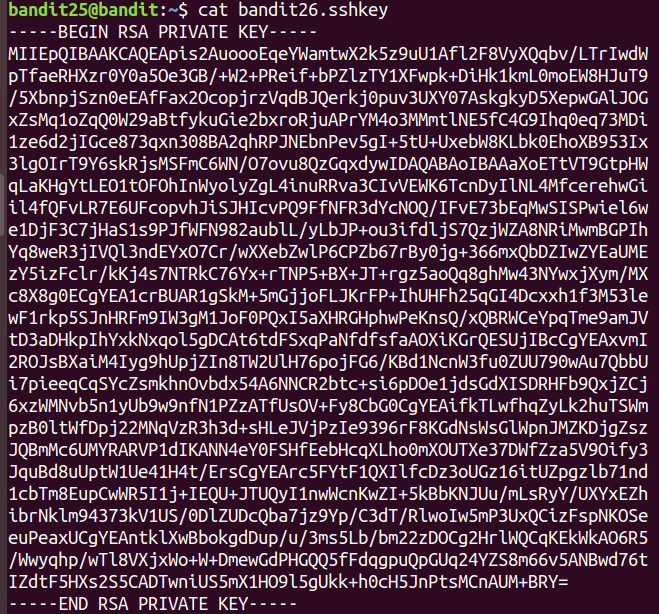
이전과 동일한 방법으로 ssh 연결을 시도해볼 수 있습니다.
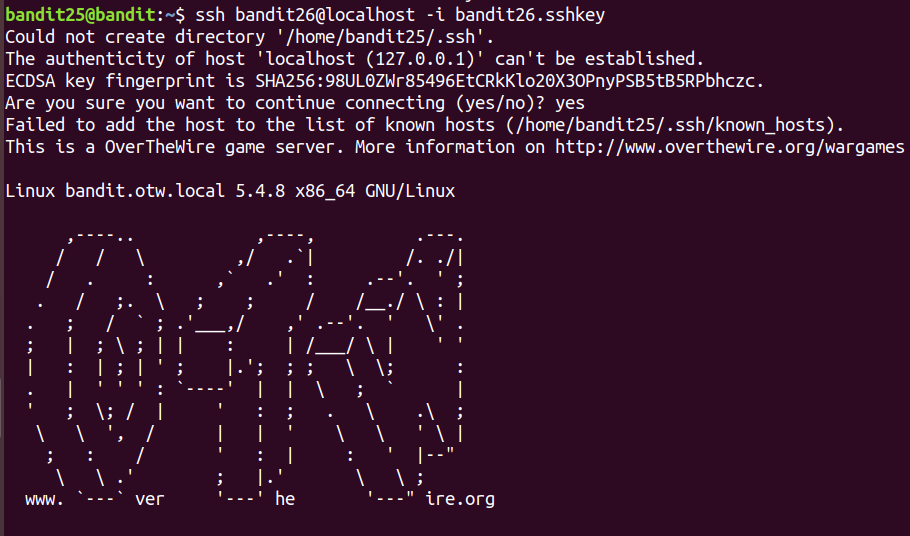
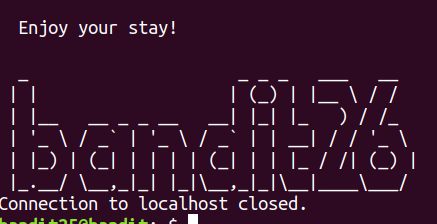
그런데 연결이 계속 끊어지고 있습니다.

bandit26 의 passwd 파일을 읽어보니
/usr/bin/showtext에 대한 경로가 나와있습니다.
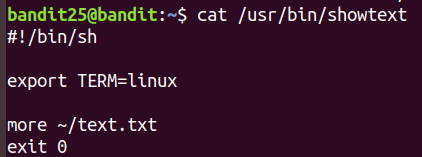
파일을 읽어보니
more명령이 실행되면~/text.txt파일이 열리는 것을 볼 수 있습니다.more명령어는 파일 내용이 길 때 끊어가면서 읽을 수 있는 명령입니다.
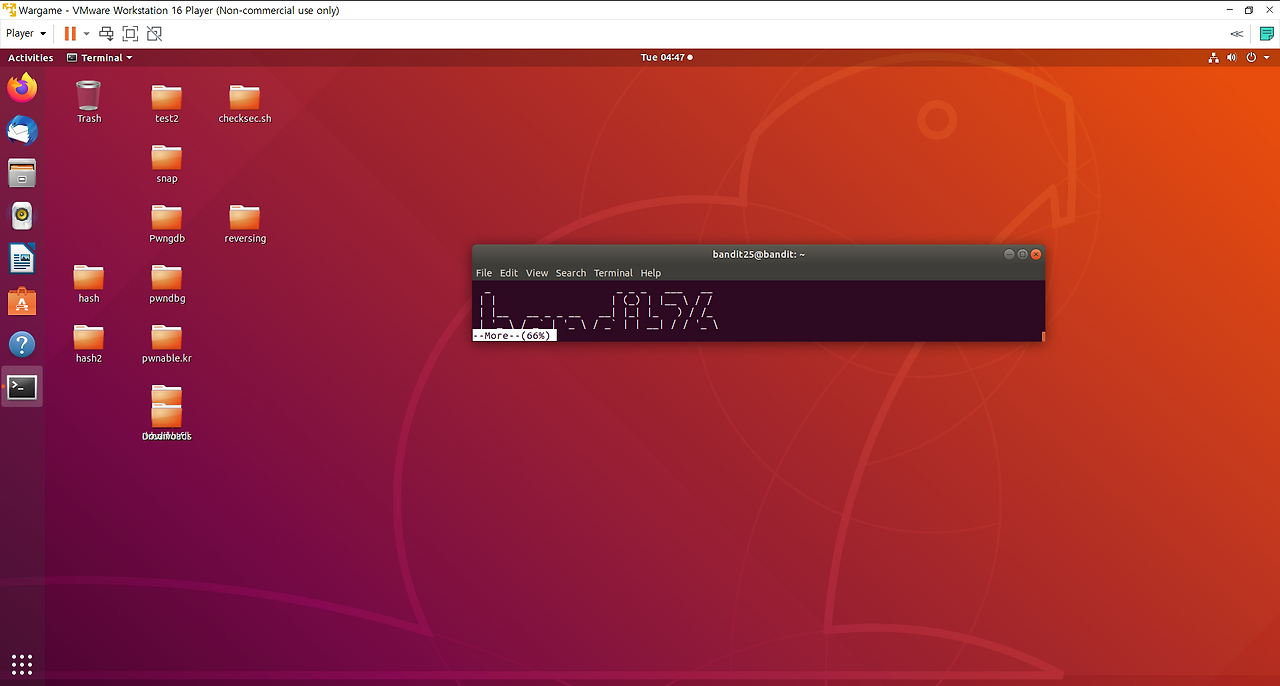
그러기 위해서는 bandit26의 연결 내용이 조금씩 출력되게 해야하기 때문에 창의 크기를 줄여주면 해결할 수 있습니다.
more 창이 나오게 되면
v로vi 에디터를 켤 수 있다.

해당 명령을 입력해주면

명령에 대한 결과가
vi창에 나타나며 password를 구할 수 있습니다.
bandit26 계정으로 접속해야 하므로,
shell의환경변수를 설정해줘야 합니다.:shell=/bin/bash명령을 입력해주고 shell 을 입력하면 bandit26의 shell로 접속할 수 있게 됩니다.

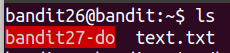
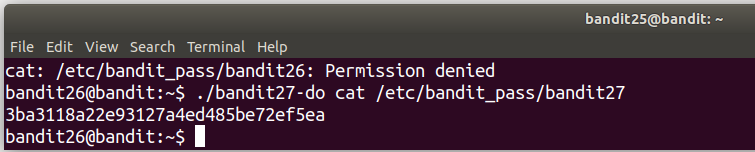
이전 레벨과 동일하게
cat /etc/bandit_pass/bandit27을 함께 사용하면 password를 구할 수 있습니다.
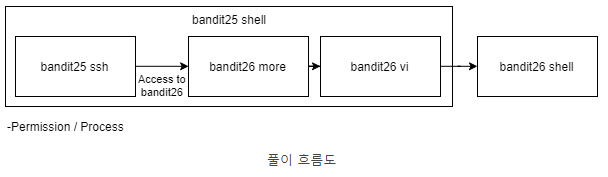
bandit26 풀이에 대한 흐름을 잘 정리한 블로그 이미지가 있어 가져와봤습니다.
댓글
이 글이 마음에 드셨다면 반응이나 댓글을 남겨주세요!
댓글을 작성하려면 로그인하세요

뉴스레터 구독하기
새로운 포스트가 올라오면 이메일로 알려드려요!